
How to Turn JPG Into PDF – 4 Simple Steps
Hey fellow shutterbugs! Are you building out a photo portfolio, sending client proof sets, or just trying to tidy up your photo stash? If that rings true, PDFs often beat raw JPGs hands down for this kind of work. The kicker? Turning JPGs into PDFs is way less of a hassle than most folks expect, and it lets you package up your shots in a sharp, shareable format that displays right every single time. This quick walkthrough breaks down how to convert JPG to PDF so your photos shine. Alright, let's dive in!
Steps to Convert a JPG Photo to PDF
These four easy steps let you turn your JPG photos into PDFs for free, without wrecking your image quality:
- Fire up your web browser. Head to the FreeConvertBox Images to PDF page. No sign-up, nothing to install.
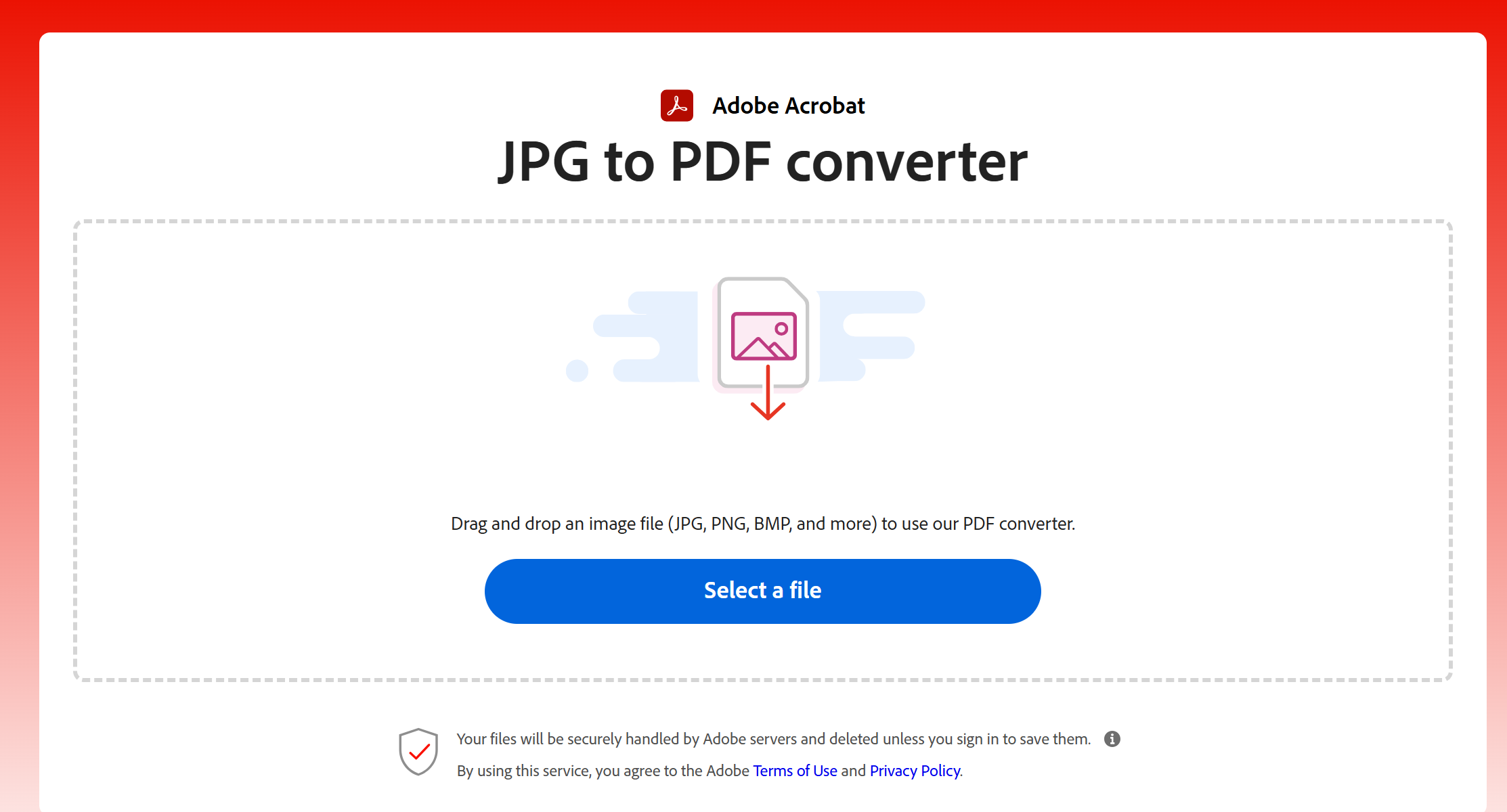
- Grab your files. Hit "Select a file" and pick a batch of JPGs at once, or drag your photos straight into the drop zone — reorder them whenever you like.
- Pick your page setup. Choose A4 portrait or landscape, or match the page size to your first image, with margins you can tune.
- Convert and download. Hit convert and your combined PDF is ready to save in seconds. It all runs in your browser: no uploads, no retention. Your privacy is fully protected.
Once the PDF is in hand, these free tools pick up right where the converter left off:
- PDF Compressor: shrink the combined PDF again so it clears email attachment limits.
- Merge & Split PDF: pull several PDFs into one, or split them by page range.
- PDF to Word: when you need real captions, convert to Word and edit there.
- PDF to Images: export every page of a PDF back out as image files.
- Image Compressor: squeeze the JPGs first, then build the PDF — far easier to control the final size.
Why Photographers Convert JPG to PDF
Portfolio Showcases
Lots of photographers bundle a stack of JPG photos into one PDF file, so they can show off their work with true-to-life colors to clients, hiring managers or gallery curators.
Consistent Viewing Experience
PDF is rock solid for photographers; your photos load exactly how you intended across phones, laptops and tablets. JPGs can warp size or turn fuzzy when opened on different gear, but PDFs lock in your original layout, colors and sharpness.
Security
As a photographer, you can add password locks and watermarks to PDFs to stop people from stealing your work. This goes a long way to guard your creative assets and make sure only your intended audience views your images.
Fast File Sharing
No more firing off dozens of separate JPG attachments one by one. Photographers can compile all photos into one PDF package and send it fast through email or web platforms. This cuts down the chance files get lost, and every photo arrives in the correct order together.
Smaller File Size
PDFs compress nicely to cut down file weight, and you won't lose image quality while doing it. That makes storing and sending big photo collections a breeze. It also free up storage room on your device and makes uploads and downloads run faster.
Mix Text With Your Photos
Sometimes you need captions, descriptions or other text next to your photos. You can't add that cleanly on a plain JPG. PDFs let you drop in that text so clients fully get the story behind your photos and helps seal the deal.
Archiving & Organization
PDFs are perfect for keeping your photography work safe long-term. This file format keeps your photos sorted, searchable and easy to pull up, so your portfolio stays well maintained year after year.
Print Ready
Lots of photographers switch JPGs over to PDF just to guarantee their files are good to go for printing. PDFs are the way to go here; they preserve crisp detail and accurate color when you make physical prints.
Polished Professional Vibe
Handing over a PDF portfolio shows clients and peers you pay attention to details and take pride in presenting your best shots in a neat, put-together package.
Picking an Online JPG to PDF Converter
- Ease of Use: Find a converter with a simple interface. You should upload JPGs and convert to PDF without digging through confusing technical junk.
- File Quality: Double-check the tool keeps your original JPG quality intact. The finished PDF needs to hold onto resolution, colors and fine details, no ugly compression artifacts.
- Security and Privacy: Pick converters that use encryption to shield your files during upload and download.
- Conversion Speed: Your converter should churn through files quick to save time, especially when working with large photos or batches of images.
- File Size Limits: Check if the converter caps file sizes. Some free tools limit how big each image can be, or the total upload size for one session.
- Customization Options: Certain converters have extra perks, like reordering photos, adjusting page dimensions, setting margins or adding notes and markups. These extras are super useful for photography projects.
- Compatibility: The online converter needs run smoothly on all your gear, usable from desktop, tablet, and mobile phones.
- Cost: Grab a converter that's free to use, and still pack in bonus editing tools.
The FreeConvertBox Images to PDF converter is built around exactly that checklist: a three-step interface, no cap on how many images you load, batch drag-and-drop with reordering, and everything runs locally in your browser — no uploads, no retention, your privacy fully stays protected. Past JPG to PDF there are a dozen more free tools on the site, from image conversion and compression to PDF to Word, merge and split, ID photo maker and QR codes, so you never need a separate app for every format.
Wrap Up
Alright, that's all the tea, photographers! Converting JPG photos to PDF ain't nearly as tough as you might've thought. Use these simple steps to build clean, professional PDFs that highlight your awesome photography. No more juggling piles of separate files or stressing over messed-up formatting — just neat, well-organized portfolio previews every time.
Note: Some source material was AI-assisted.

Image Tools: Image Format Converter Images to PDF Images to GIF Image Compressor
PDF Tools: PDF to Word Merge & Split PDF PDF Compressor PDF to Images
Converter: Audio Converter Video Converter Ebook Converter
ID Photo & QR Code: ID Photo Maker QR Code Generator
Chinese Text Tools: Traditional & Simplified Chinese Chinese Number Converter